
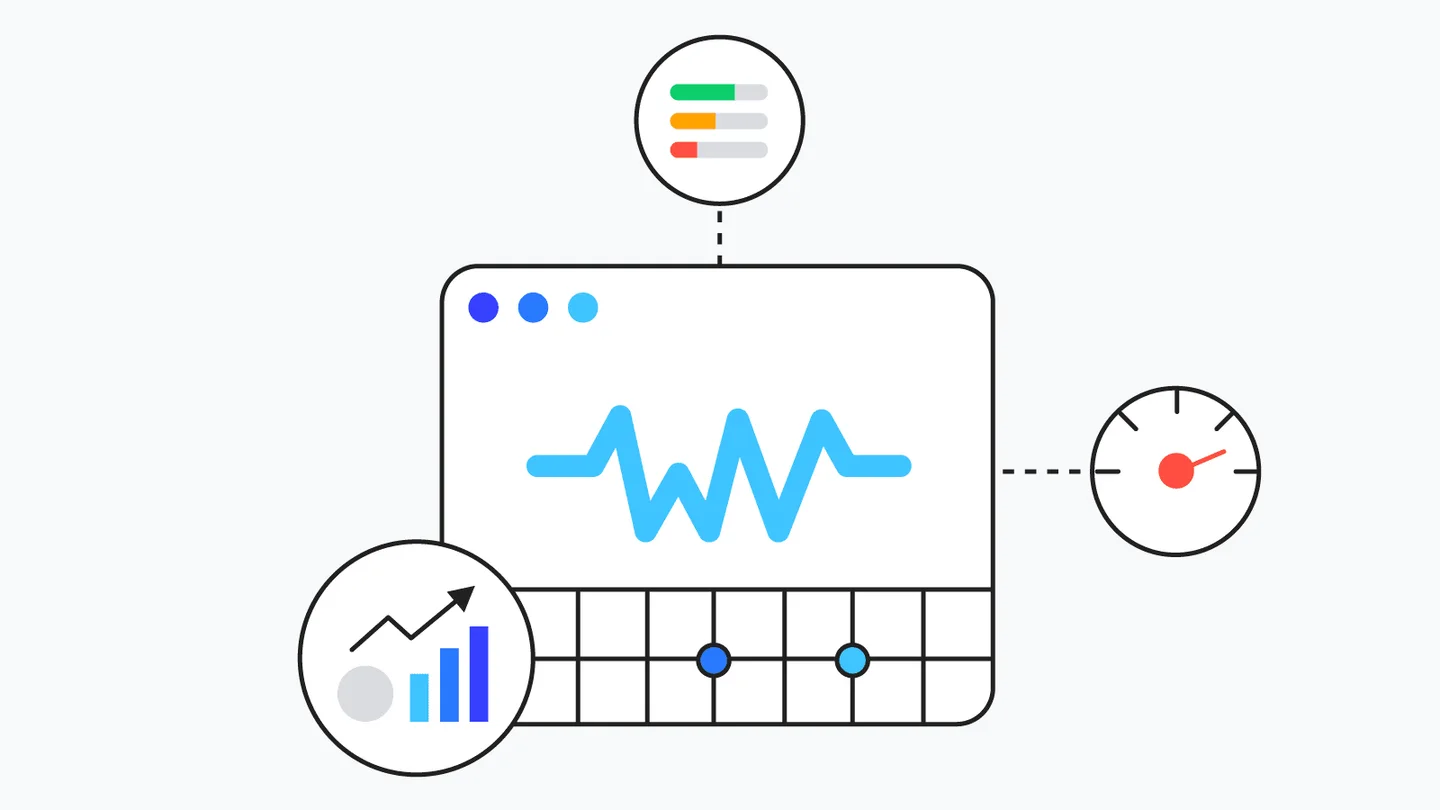
Google Core Vitals is an official ranking factor that changed the way the search engine evaluates websites. Since 2021, this metric has become critically important - not only for positioning in Google, but also for user experience. If your site loads slowly, elements jump while loading, or buttons respond with a delay, this can now cost you rankings, customers, and revenue.
What are Google Core Vitals
Core Web Vitals are three main metrics, which Google uses to measure the quality of user experience:
- how fast the page loads;
- when it becomes interactive;
- how how stable the visual layout is during loading.
These metrics are part of the broader Page Experienceframework, which also includes other elements such as mobile compatibility, HTTPS security, and the absence of intrusive pop-ups.
In other words, Google no longer looks only at the content - it looks at the user's satisfaction and convenience when interacting with your site.
The three key metrics
1. LCP (Largest Contentful Paint) - Largest Contentful Paint
LCP measures the time it takes for the main content of the page to become visible to the user. This is usually a large image, video, or the main text block.
- Good result: under 2.5 seconds.
- Average result: between 2.5 and 4 seconds.
- Poor result: over 4 seconds.
How to improve LCP:
- Use faster hosting and CDN.
- Optimize images (WebP, lazy load).
- Minify CSS and JavaScript.
- Use preload for key elements.
2. CLS (Cumulative Layout Shift) - Cumulative Layout Shift
CLS measures the stability of visual elements. If the content “jumps” as the page loads, that is a sign of a poor experience.
- Good result: under 0.1.
- Average: up to 0.25.
- Poor: over 0.25.
How to improve CLS:
- Set fixed dimensions for images and videos.
- Avoid elements that are added dynamically without space reserved for them (for example, banners).
- Use CSS transforms instead of changing DOM positions.
3. FID (First Input Delay) - First Input Delay
FID measures how quickly the site responds to the first user action, for example a click on a button.
- Good result: under 100 ms.
- Average: up to 300 ms.
- Poor: over 300 ms.
How to improve FID:
- Reduce and optimize JavaScript.
- Load scripts asynchronously.
- Use Web Workers for heavy computations.
- Minimize third-party code (widgets, trackers).
How these metrics are measured
Google provides several free tools:
- PageSpeed Insights - the main tool for analyzing Core Web Vitals.
- Lighthouse - more in-depth analysis with optimization recommendations.
- Search Console (Core Web Vitals Report) - shows the status of all pages.
- Chrome User Experience Report - uses real user data.
Each tool shows specific elements that slow down loading or affect page stability.
why this matters
Core Web Vitals is not just a technical metric. It is how Google measures user satisfaction.
- Fast websites retain more visitors.
- Stable interfaces lead to less drop-off.
- Interactive pages increase conversions.
Google research shows that users leave pages that take more than 3 seconds to load, and optimized sites have 24% lower bounce rate and more sales.
How Core Web Vitals affects rankings
Since 2021, these metrics have been part of Google's algorithm as a official ranking factor. This means that two sites with identical content can rank differently solely because of speed and stability.
Google already uses Core Web Vitals as a criterion for appearing in Top Stories, which makes optimization mandatory for news sites.
How to prepare
- Check your site in Search Console. In the “Core Web Vitals” section, you will see which pages have issues.
- Analyze PageSpeed Insights. Pay attention to the “Opportunities” and “Diagnostics” sections.
- Optimize resources. Compress images, reduce the number of fonts, use caching.
- Test often. After every change, check the results again.
- Work with a developer if needed. Some issues require expert intervention.
What lies ahead
Google is constantly expanding the set of metrics. The next updates are expected to include metrics such as Interaction to Next Paint (INP), which will measure the overall responsiveness of the page. This means that Core Web Vitals will continue to evolve and become increasingly important for SEO strategies.
Conclusion
Core Web Vitals is not just a speed metric - it is a indicator of quality and trust. In the age of user experience, Google rewards websites that load quickly, respond instantly, and do not annoy with pop-ups or jumping elements.
If you want to stay ahead of the competition, start with an analysis today. Optimizing Core Web Vitals will improve not only your positions in search engines, but also the impression you leave on every visitor.
Do you suspect that your site is losing traffic because of poor metrics? Request a free analysis and learn how to bring back lost visitors.