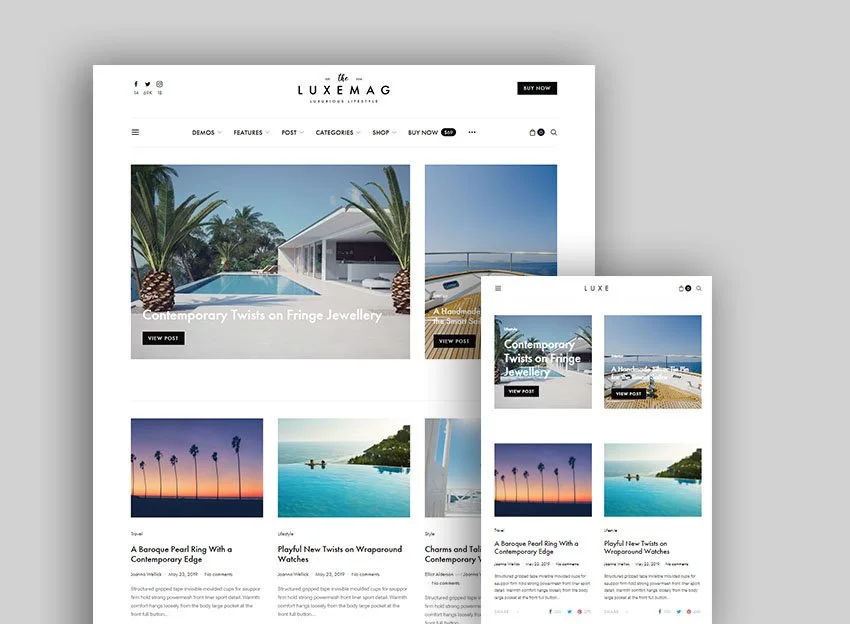
WordPress is a great choice for a modern website, but a "ready-made" theme is rarely the best path. On the surface it looks tempting: you buy/install it, import demo content, and you are "ready" in days. In reality, however, it often means a slow site, difficult maintenance, security compromises, and a design that looks like dozens of others. Below you will find a comprehensive explanation of why ready-made themes are problematic, what risks they bring for SEO, speed, accessibility and scaling, and how to approach the project professionally - with block-based, lightweight and sustainable development.
Lack of uniqueness and limited personalization
Ready-made themes are built “for everyone,” which means they are truly customizable only on the surface: colors, fonts, a few layout options. When you get to real business needs (custom product templates, specific filters, complex forms/calculators, integrations), you run into limitations. The result is either a compromise in UX or heavy child-theme “patches” that later break updates.
The effect on the brand is obvious: a design that looks “like everyone else’s,” lower recognition, and a weaker trust signal, especially in competitive niches (services, B2B, SaaS, eCommerce).
“Bloat” and slow speed (Core Web Vitals issues)
Many ready-made themes come with a package of plugins, shortcodes, sliders, icon fonts, visual builders, and scripts for every possible scenario - 80% of which you will never use. Every unnecessary CSS/JS byte slows down Time to First Byte (TTFB), Largest Contentful Paint (LCP), and Interaction to Next Paint (INP). A slow site directly reduces conversions and organic visibility.
Typical signs:
-
2-5 MB CSS/JS bundle included on every page
-
20+ HTTP requests for third-party libraries (slider, lightbox, carousels, icons)
-
render-blocking CSS and inline scripts generated by the builder
With a custom theme, you have a “performance budget” from day one: minimal CSS (critical + deferred), modular JS only where needed, images in modern formats (WEBP/AVIF), and careful loading (lazy, fetchpriority, responsive srcset).
Security and supply-chain risk
Ready-made themes often include bundled plugins (premium sliders, form builders, etc.). If the theme author does not update them in time, you end up with “frozen” versions with known vulnerabilities. Add the fact that some themes come from marketplaces without strict auditing, and supply-chain risk becomes real: backdoor code, “hidden” links, XSS/SQLi vulnerabilities injected through long-unmaintained dependencies.
With custom development, you control every dependency: a minimal number of plugins, actively maintained and reputable; automated scanners; artifacts reviewed in Git.
Difficult maintenance and fragile updates
The more complex a theme is, the more “magic” it contains: custom builders, shortcode systems, nonstandard meta boxes. It works today; tomorrow you update WordPress/PHP and something “mysteriously” breaks. Support is often slow or stops after 6-12 months. Refactoring? Expensive and risky.
A custom theme = clean architecture, theme.json, block templates and patterns, clear places for overrides. Updates are predictable.
SEO limitations beneath the surface
Even if a ready-made theme claims to be “SEO-friendly,” we often find:
-
duplicated semantics (h1/h2 chaos, missing landmark roles)
-
unstructured navigation and breadcrumbs
-
invalid schema.org markers or global markers injected everywhere
-
heavy hero sections that slow LCP and hurt visibility
SEO today is highly technical: clean HTML, correct semantics, structured data by page type (Product, Article, FAQ, HowTo), fast render, stable visual structure (CLS≈0), easy indexing, and canonicalization. This does not come “by default” from a ready-made template.
Accessibility (a11y): often neglected
WCAG 2.2 compliance is a requirement in many industries. Ready-made themes commonly:
-
miss contrast
-
use interactive elements without proper roles/aria attributes
-
have traps for keyboard navigation
-
handle focus incorrectly in modals/menus
Beyond being the right thing for users, good accessibility correlates with higher conversion and fewer bounces. A custom theme builds it into the design and components from day 0.
Dependencies on visual builders and lock-in
Many ready-made themes are tied to a visual builder (page builder). Your content becomes a mix of shortcodes/vendor blocks tied to a specific tool. Switching theme/builder? Painful migration, broken pages, weeks of manual reformatting.
Modern WordPress offers native blocks (Gutenberg), block patterns, and Full Site Editing. When you build your design system on top of them, you avoid vendor lock-in.
eCommerce realities (WooCommerce)
Ready-made Woo themes “work” until you need:
-
specific product card/checkout UX
-
custom attributes/filters
-
complex promo logic, bundles, subscriptions
-
headless integrations with ERP/CRM
That is where the ready-made template starts to struggle: layouts are rigid, JS behavior is global, and performance drops. A custom theme allows lean product templates, asynchronous filters, and an optimized checkout tailored to your flows and metrics.
Multilingual support and localization
Mixing ready-made themes with multilingual plugins (WPML/Polylang) often leads to:
-
conflicting strings
-
mismatches in URL structure and hreflang
-
heavy queries when generating translations
-
caching issues
With a custom architecture, you define a unified URL logic, translatable strings, compatibility with cache/cloud, and SEO-correct hreflang.
Legal and compliance (GDPR/CPRA, cookie consent, tracking)
Ready-made themes rarely come with a correct cookie policy/banner, prior consent mode, and conditional tag loading. We often see third-party scripts starting before consent - a risk for fines and reputation. With a custom theme, you implement Consent Mode, events, and conditional loading according to your business rules.
Scalability and future integrations
Today you have a website; tomorrow - a marketplace, portal, content hub, headless application. A ready-made theme is built for “here and now.” A custom approach thinks modularly: core (theme, block library), layers (functional modules), a stable API for integrations (REST/GraphQL), CI/CD, and staging.
Hidden costs: “cheap ends up expensive”
A ready-made theme saves money at the start, but:
-
you spend weeks fighting layout issues and translations
-
you buy extra plugins for missing functionality
-
you pay for performance/SEO “fixes”
-
you lose conversions because of UX and speed
In total, the Total Cost of Ownership over 12-24 months often exceeds custom development - without giving you the flexibility you wanted.
What is the modern “gold standard” instead of a ready-made theme
A block-based, lightweight, custom theme
-
Full Site Editing with theme.json (typography, colors, spacing), minimal CSS, no heavy builder
-
A design system of reusable block patterns (hero, pricing, FAQ, CTA, testimonials)
-
Semantic HTML, accessibility (ARIA), high contrast, correct focus management
Starter stack and methodology
-
A starter such as
_s, Sage or Timber (Twig) for a clean structure -
Modular CSS (utility-first or a small design library), critical render CSS
-
ES modules and conditional JS (load only when needed)
-
Linters and tests in CI, Git environment, staging -> production
Performance-first approach
-
Performance budget and automated measurements (Lighthouse, WebPageTest)
-
Images: WEBP/AVIF, responsive srcset, lazy loading, hero priorities
-
Fonts: self-hosted, font-display: swap, limited set
-
Caching: page cache, object cache, CDN, HTTP/2/3
-
Avoiding “universal” JS bundles; split by page
Minimal and high-quality plugin stack
-
“Less, but better”: forms, cache, SEO, security from trusted authors
-
Everything else - developed “to measure” and under control
Built-in SEO, accessibility, and legal requirements
-
Structured data by page type
-
Clean URLs and canonicalization, indexes/taxonomies according to strategy
-
WCAG 2.2 checks, keyboard navigation, focus trap prevented
-
Cookie/Consent implementation with prior consent and conditional tags
Roadmap: migration from a ready-made theme to a custom one (without pain)
-
Audit (1-2 weeks): speed, security, SEO, accessibility, content, plugins, traffic, and conversions
-
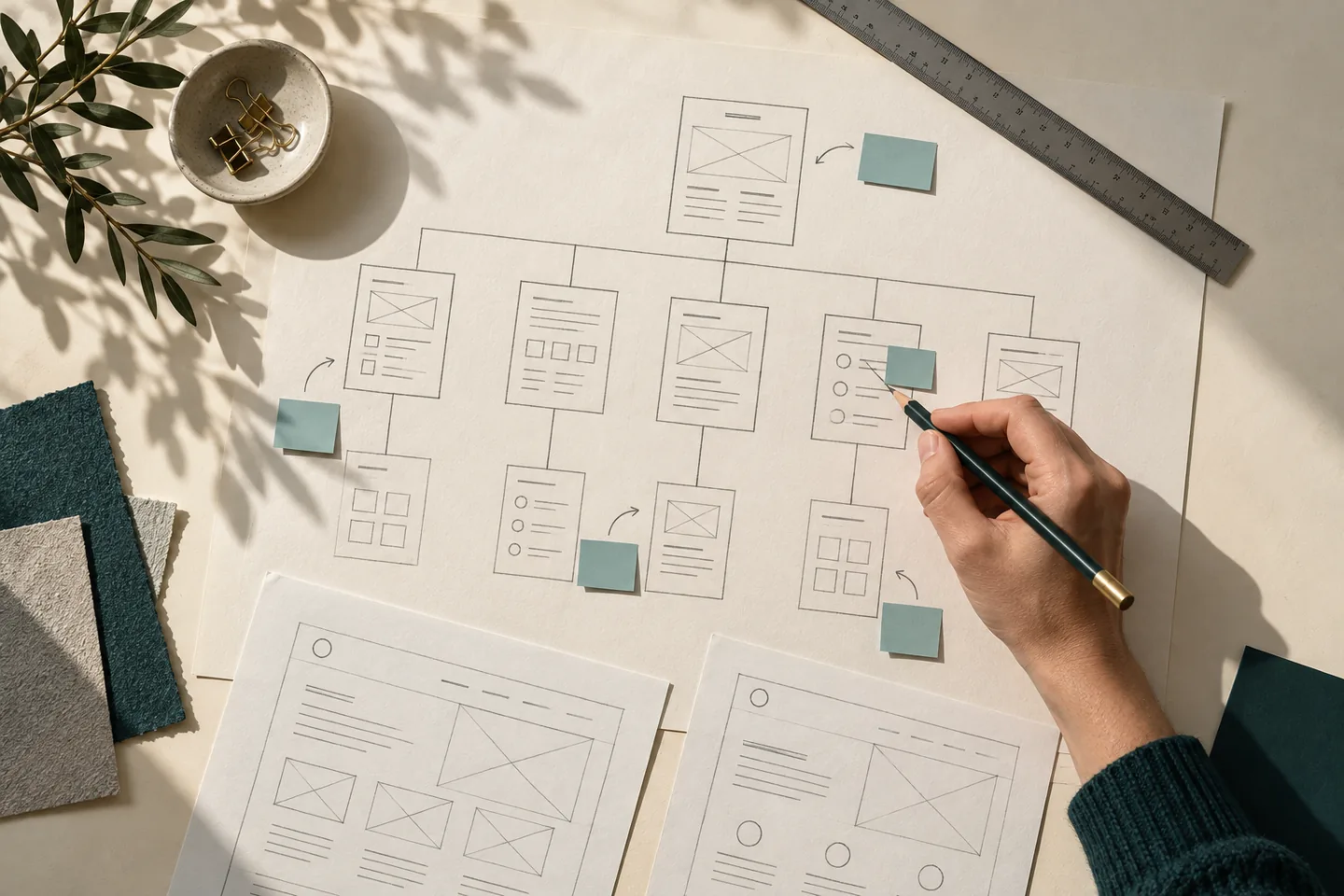
Information architecture and UX: page maps, navigation, key templates
-
Design system and prototypes: components, states, responsive behavior
-
Development: block theme, patterns, templates, mini-plugins if needed
-
Data and migrations: posts, products, media, translations, 301 maps
-
Testing: functional, cross-browser, mobile, a11y, performance
-
Go-live: during off-peak hours; monitor errors, logs, speed, SERP
-
Continuous improvement: backlog of UX/SEO tests, sprints every 2-4 weeks
Checklist: if you still need to launch with a ready-made theme (MVP scenario)
-
Choose a theme from a reputable publisher with active updates and core block support
-
Disable all bundled plugins you will not use
-
Replace the visual builder with standard blocks where possible
-
Install caching, image optimization, and basic security; measure Core Web Vitals
-
Set a deadline for refactoring to a custom theme (e.g. at X traffic or Y revenue)
frequently asked questions
"A ready-made theme is cheaper; I can't invest now."
Understand the total cost over 12-24 months: time spent fighting issues, plugins, fixes, SEO losses, and missed conversions. It often ends up costing more. An MVP can be a minimal custom theme with a clear roadmap for expansion.
"There are ready-made themes that load fast - why not use one?"
A demo with uniform content is one thing; a real site with integrations, analytics, and ads is another. Performance breaks down in real-world use. With a custom approach, you control the degradation.
"A page builder is convenient for editing."
Gutenberg plus your own block patterns gives you convenience without lock-in. Visual editing, but with clean HTML and lightweight styles.
Conclusion
Ready-made WordPress themes are a fast but compromise-heavy start: shallow customization, bloat and dependencies, security and SEO risks, difficult maintenance, and real limits to growth. The modern, sustainable approach for WEBSITE DEVELOPMENT is a lightweight, block-based custom theme built on a design system, with minimal dependencies, a performance budget, and built-in accessibility, SEO, and legal requirements. That way, your site is faster, more visible, more reliable and - most importantly - truly yours.