In short
The number of clicks and submitted forms does not by itself show whether the ad brings the right clients. Track the path to an actual inquiry received, a qualified contact, and a sale. This requires campaigns marked correctly, an event after successful form submission, and feedback from the sales team.
The forms are increasing, but not the work
This is an unpleasant but entirely possible result. The report shows more conversions, but the salesperson receives incomplete inquiries, unsuitable projects, or people looking for work. If you evaluate a campaign only by form cost, you can easily increase the budget for the wrong audience.
First agree on what counts as a quality inquiry for your business. For a service, the need, location, timeline, and willingness to talk may matter. For a B2B project, whether the company has a real process it needs to solve. Don’t classify every contact without a stated budget as low quality; sometimes the person simply does not yet have enough information to define it.
Set a few simple statuses: new, contacted, suitable, quote, won, lost. Add a reason for unsuitable contacts. Then compare ads using the same criteria, instead of each employee evaluating them differently.
Five separate moments in one journey
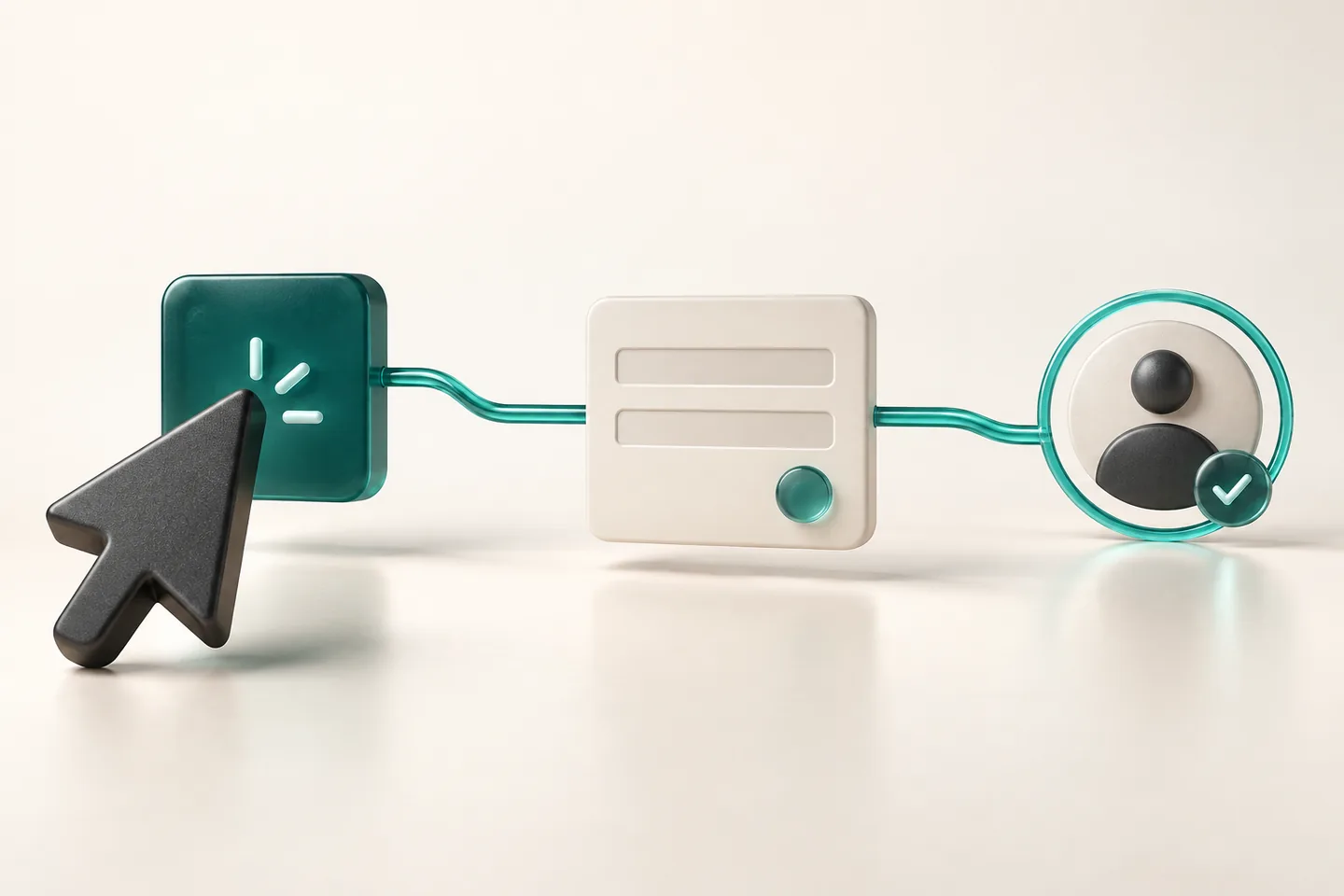
A click leads to a page. The page must convince the person to start a contact. The form must accept the data. The team must receive the request and decide whether it can help. Only then come the quote and the sale.
| Moment | What you learn | What you still don’t know |
|---|---|---|
| Ad click | A person opened the link | Whether the page loaded and is useful |
| Visit | The page was viewed | Whether the intent is suitable |
| Accepted inquiry | The system accepted a contact | Whether the person is a potential client |
| Qualified contact | The team assessed the need | Whether it will lead to a deal |
| Sale | There is a real business result | Whether the revenue covers all costs |
These numbers will not match. Between the ad platform, analytics, and CRM, there are different periods, rules, and measurement limits. The goal is to understand the reasons and the flow, not to get the same number on every screen at any cost.
When to count a submitted form
When the button is clicked, the request may be rejected because of a missing field, spam check, or a temporary issue. If you count a conversion then, you will also count failed attempts. The event should follow confirmed successful server-side acceptance, according to how the form is built.
Google describes generate_lead as an event for a created contact, for example through a form. Sending it should be tied to the specific success, not to every click. If the user clicks twice or repeats the request after a delay, the app should recognize the duplicate when possible.
Check for duplication across tools. The same contact can be counted once through Tag Manager and a second time from code on the page. Or there may be both an event on successful submission and another when the thank-you page opens. Choose one primary mechanism for the same conversion and document the rest.
Also test the handoff separately. Successful recording and email delivery are different steps. If the request is saved but the email is delayed, the team needs a way to see it. Otherwise the report may look good while the business misses calls.
The source must not get lost along the way
For manually tagged campaigns, use consistent values for source, traffic type, and campaign. For example, use the same name for the platform and the same letter casing. Different spellings can split the data and make comparison harder.
In Google Ads, auto-tagging and the correct link to Analytics can pass the needed ad information. Do not remove identifiers from the URL before measurement. Check redirects too: the visitor may reach the right page, but the parameters may be lost between the first and final URL.
In GA4, channels are defined by rules, not only by where you think the link was published. The documentation for default channel groups describes the conditions used. Incorrectly tagged paid traffic can end up in the wrong group. Diagnose the specific source and traffic type instead of changing report names.
Do not send personal data to analytics
Name, email, phone, and the free-text problem description should remain in the contact processing system. For analytics, service type, campaign ID, and action status, aligned with data rules, are usually enough.
Google prohibits sending information that can identify a person, including emails and personal phone numbers. Such data can appear not only in events, but also in the page URL. Do not add form input to the thank-you page URL.
Tracking must also align with applicable consent and privacy terms. Browser limits, opt-outs from measurement, and blocking tools mean the report will not be a complete register of all people. Use the saved inquiries as a separate source for operational work.
Two campaigns, different results
Let’s compare sample campaigns for one service. Each spent 400 euros. The first brought 40 contacts, and the second 20. If you stop here, the first looks better: ten euros per contact versus twenty.
After speaking with the people from the first, four qualified inquiries and one sale remained. From the second, eight qualified inquiries and two sales remained. The cost per qualified contact is now one hundred euros versus fifty, and ad spend per sale is four hundred versus two hundred euros.
This is a calculation with selected numbers, not a real client campaign result. And even here, sales should be compared by value and margin. One larger order can change the picture. Include time to decision as well, because the new contacts from this week may not have received an offer yet.
How to find the cause of drop-off
Many clicks and few started forms may mean a mismatch between the ad and the page. You promise a specific service, but the visitor sees a general overview. Or the key conditions are hidden too far down. Check mobile loading before rewriting the entire offer.
Many started forms and few completed ones point to length, unclear fields, or a technical issue. Few qualified contacts from many completed forms point to the audience, the message, or missing conditions. Qualified contacts with no sales require a look at the response, the offer, and the processing time too.
Choose one cause, change it, and compare comparable periods. If you change the audience, page, price, and form at the same time, it will be hard to know what helped. For teams already losing inquiry status across files and email, the move to CRM/ERP can organize feedback for marketing.
frequently asked questions
Why is paid traffic reported as organic?
Possible reasons include missing or incorrect parameters, a lost ad identifier during redirect, or improper tracking setup. Check the specific ad URL, the final URL, and the source and traffic type data. The campaign name alone does not determine the channel.
Should a phone click count as a conversion?
It can be a useful separate event, but it does not prove a real conversation or a qualified contact. Separate the intent to call from the received inquiry and the sale so you do not mix different results.
Why does Analytics show fewer contacts than CRM?
Browser limitations, consent, blocking tools, and different rules for the period or reporting can create differences. Check the event implementation itself as well. CRM and form records remain the basis for handling actually received inquiries.
Can we optimize ads based on sales?
Yes, if sales are recorded reliably and there is a suitable way to connect them to ad contacts. You need correct identifiers, data rules, and enough feedback. Do not replace unknown sales with an arbitrarily assigned value for each form.